

معلومات اللعبة

FAQ
تشغيل Sculpt+ على جهاز الكمبيوتر مع LDPlayer
Sculpt+ هو تطبيق فن وتصميم تم تطويره بواسطة Endvoid ويمكن تشغيله على الأجهزة المحمولة، ولكن باستخدام أفضل محاكي اندرويد - LDPlayer، يمكنك تنزيل Sculpt+ وتشغيله على جهاز الكمبيوتر الخاص بك.
تشغيل Sculpt+ على جهاز الكمبيوتر، يمكنك التصفح بوضوح على شاشة كبيرة، كما أن التحكم في التطبيقات باستخدام الماوس ولوحة المفاتيح أسرع بكثير من لمس الشاشة، ولن داعي للقلق أبدًا بشأن قوة جهازك.
بفضل ميزات المثيلات المتعددة والمزامنة، يمكنك أيضًا تشغيل تطبيقات وحسابات متعددة على جهاز الكمبيوتر الخاص بك.
تعمل وظيفة نقل الملفات بين المحاكي والكمبيوتر على تسهيل مشاركة الصور ومقاطع الفيديو والملفات.
قم بتنزيل Sculpt+ وتشغيله على جهاز الكمبيوتر الآن واستمتع بالشاشة الكبيرة وجودة الصورة عالية الوضوح لإصدار الكمبيوتر الشخصي!
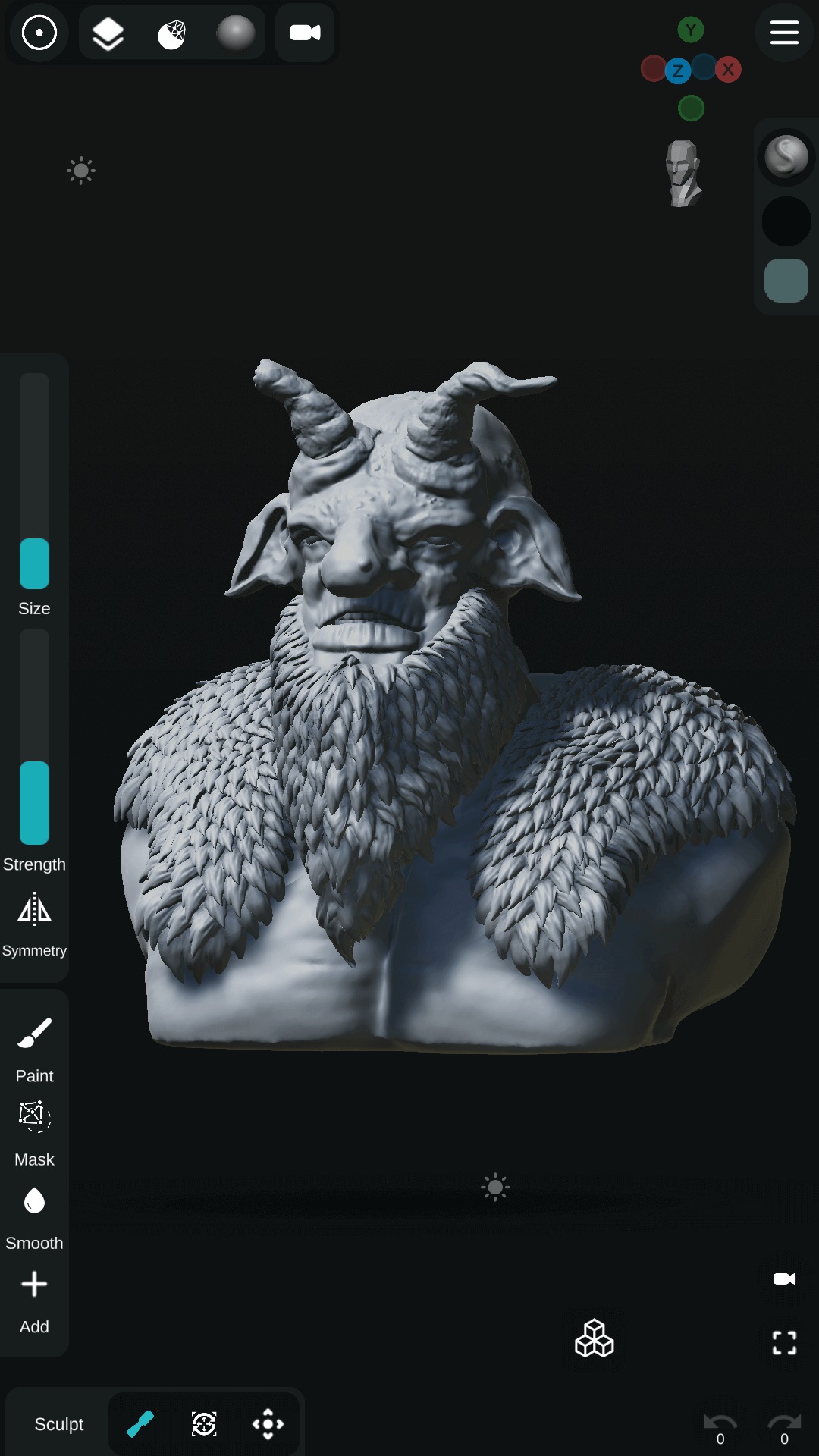
Sculpt+ is a digital sculpting and painting app designed to bring the sculpting experience to your Smartphone or Tablet.✨FEATURES
- Sculpting Brushes - Standard, Clay, Smooth, Mask, Inflate, Move, Trim, Flatten, Crease and a lot more.
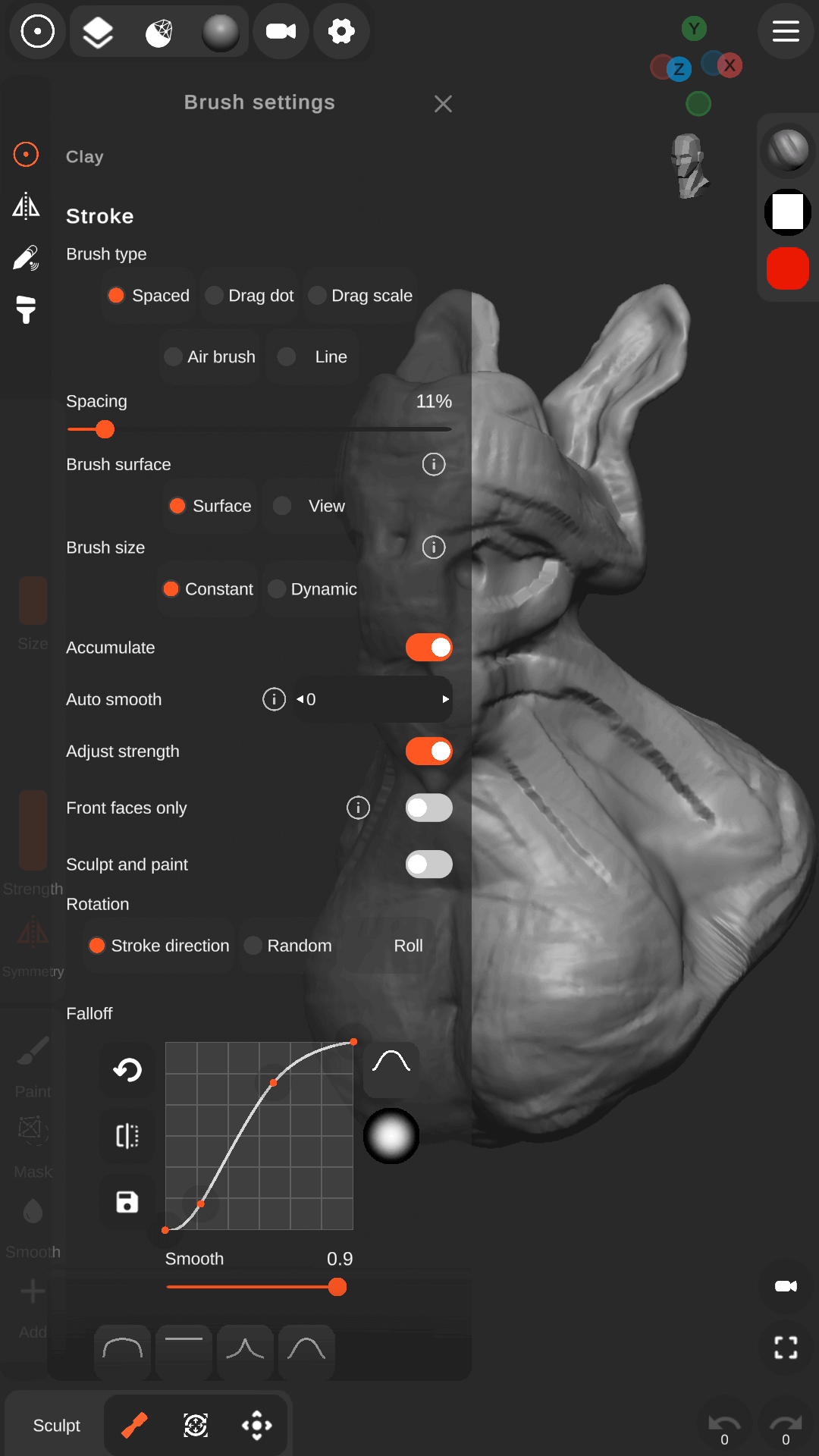
- Stroke customizations.
- Vertex Painting.
- VDM Brushes - use premade VDM brushes or create your custom VDM brushes.
- Multiple Primitives - Sphere, Cube, Plane, Cone, Cylinder, Torus and more.
- Base meshes ready for sculpting.
- Base Mesh Builder - inspired by zSpheres, it allows you to quickly sketch a base mesh fast and easy for sculpting.
Mesh operations:
- Mesh Subdivision and Remeshing.
- Voxel Boolean Operations - Union, Subtraction, Intersection.
- Voxel Remeshing.
- Mesh Decimation.
Scene customization
- PBR rendering.
- Lights - Directional, Spot and Point lights.
Import files:
- Import 3d models in OBJ and STL formats.
- Import Custom Matcap textures.
- Import Custom Alpha textures for brushes.
- Import HDRI textures for PBR rendering.
- User friendly interface designed for smartphones and tablets - Customizable theme and layout.
- Reference images - Import images to use as references.
- Stylus support - allows for pressure sensitivity control for brush strength and size.
- AutoSave - your work is automatically saved in the background.
Share your work:
- Export your Projects in different formats: OBJ, STL and GLB.
- Export Renders as JPEG or PNG with transparency.
- Export 360 turntable GIFS.
لقط الشاشة وفيديو من Sculpt+ على جهاز الكمبيوتر


كيف تنزيل وتشغيل Sculpt+ على جهاز الكمبيوتر
 1
1قم بتنزيل وتثبيت LDPlayer على جهاز الكمبيوتر الخاص بك
 2
2حدد موقع متجر بلاي في تطبيقات نظام LDPlayer، وقم بتشغيله، وقم بتسجيل الدخول إلى حساب الجوجل الخاص بك
 3
3أدخل "Sculpt+" في شريط البحث وابحث عنها
 4
4اختر Sculpt+ من نتائج البحث وقم بتثبيتها
 5
5بمجرد اكتمال التنزيل والتثبيت، ارجع إلى شاشة LDPlayer الرئيسية
 6
6انقر على أيقونة اللعبة الموجودة على شاشة LDPlayer الرئيسية لبدء الاستمتاع باللعبة المثيرة


