

Physics Toolbox Sensor Suite P هو تطبيق الأدوات تم تطويره بواسطة Vieyra Software ويمكن تشغيله على الأجهزة المحمولة، ولكن باستخدام أفضل محاكي اندرويد - LDPlayer، يمكنك تنزيل Physics Toolbox Sensor Suite P وتشغيله على جهاز الكمبيوتر الخاص بك.
تشغيل Physics Toolbox Sensor Suite P على جهاز الكمبيوتر، يمكنك التصفح بوضوح على شاشة كبيرة، كما أن التحكم في التطبيقات باستخدام الماوس ولوحة المفاتيح أسرع بكثير من لمس الشاشة، ولن داعي للقلق أبدًا بشأن قوة جهازك.
بفضل ميزات المثيلات المتعددة والمزامنة، يمكنك أيضًا تشغيل تطبيقات وحسابات متعددة على جهاز الكمبيوتر الخاص بك.
تعمل وظيفة نقل الملفات بين المحاكي والكمبيوتر على تسهيل مشاركة الصور ومقاطع الفيديو والملفات.
قم بتنزيل Physics Toolbox Sensor Suite P وتشغيله على جهاز الكمبيوتر الآن واستمتع بالشاشة الكبيرة وجودة الصورة عالية الوضوح لإصدار الكمبيوتر الشخصي!
This app uses internal smartphone sensors to collect, display, record, and export .csv data files. See www.vieyrasoftware.net to (1) read about case usage in research and development, and (2) get lesson plans for educators of science, technology, engineering, and mathematics (STEM) fields, including physics. Sensor availability, precision, and accuracy are dependent upon smartphone hardware.Sensors, generators, and data analysis tools include the following:
KINEMATICS
G-Force Meter - ratio of Fn/Fg (x, y, z and/or total)
Linear Accelerometer – acceleration (x, y, and/or z)
Gyroscope - radial velocity (x, y, and/or z)
Inclinometer - azimuth, roll, pitch
Protractor - angle from vertical or horizontal
ACOUSTICS
Sound Meter - sound intensity
Tone Detector - frequency and musical tone
Tone Generator – sound frequency producer
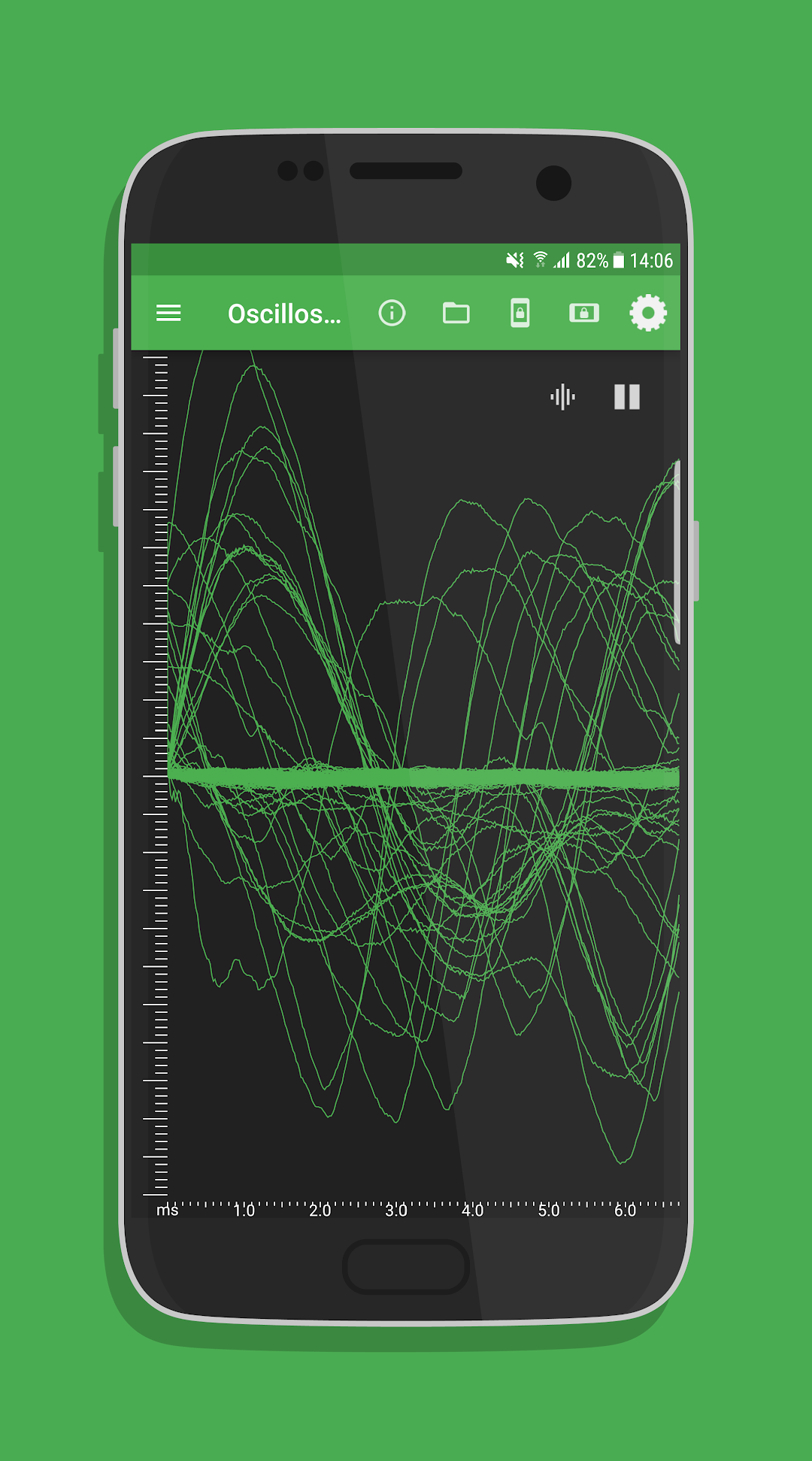
Oscilloscope - wave shape and relative amplitude
Spectrum Analyzer - graphical FFT
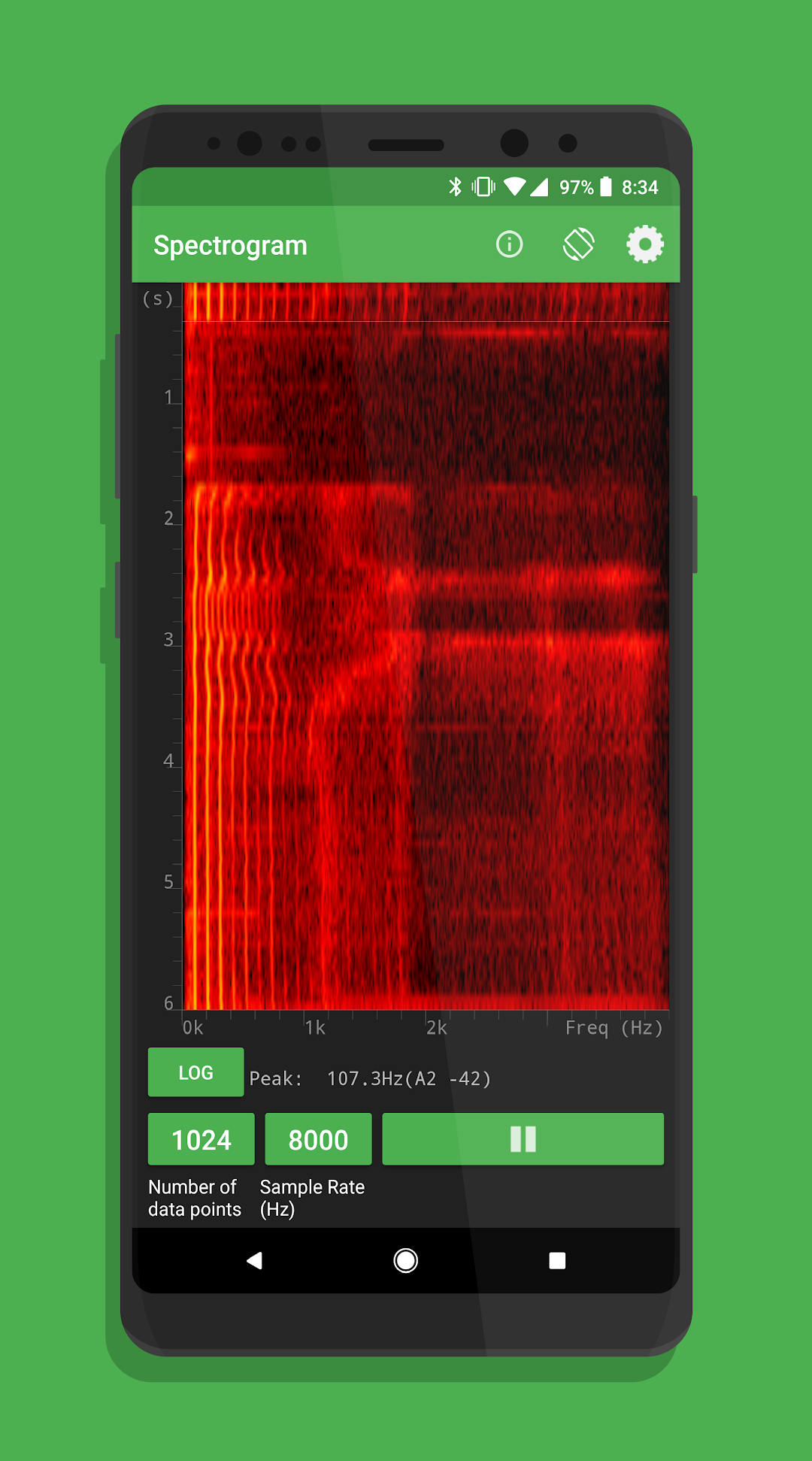
Spectrogram - waterfall FFT
LIGHT
Light Meter - light intensity
Color Detector - detects HEX colors within a small rectangle area on the screen via the camera.
Color Generator – R/G/B/Y/C/M, white, and custom color screen
Proximeter - periodic motion and timer (timer and pendulum modes)
Stroboscope (beta) - camera flash
Wi-Fi - Wi-Fi signal strength
MAGNETISM
Compass - magnetic field direction and bubble level
Magnetometer - magnetic field intensity (x, y, z and/or total)
Magna-AR - augmented reality visualization of magnetic field vectors
OTHER
Barometer - atmospheric pressure
Ruler - distance between two points
GPS - latitude, longitude, altitude, speed, direction, number of satellites
System Temperature - battery temperature
COMBINATION
Multi Record - choose one or more of the above sensors to collect data at the same time.
Dual Sensor - display data from two sensors on a graph in real time.
Roller Coaster - G-Force Meter, Linear Accelerometer, Gyroscope, and Barometer
PLOTTING
Manual Data Plot - enter data manually to generate a graph.
GAME
Play - challenges
FEATURES
(a) Record: Record by pressing the red floating action button. Find saved data stored in the folder icon.
(b) Export: Export data by selecting an option to send via e-mail or shared in Google Drive or Dropbox. Locally saved files can also be transferred from the folder icon.
(c) Sensor Information: Clicking on the (i) icon to identify sensor name, vendor, and current data collection rate, and to learn what kind of data is collected by the sensor, its physical operating principle, and links to additional resources.
SETTINGS
* Note that not all settings are available for all sensors.
(a) Data Display: View data in graphical, digital, or vector form.
(b) Graph Display: View multi-dimensional data sets on a single shared graph or in multiple individual graphs.
(c) Displayed Axis: For multi-dimensional data on a single shared graph, select total, x, y, and/or z-axis data.
(d) CSV Timestamp Format: Record clock time or elapsed time with sensor data.
(e) Line Width: Modify visual presentation of data with a Thin, Medium, or Thick line.
(f) Sensor Collection Rate: Set collection rate as Fastest, Game, UI, or Normal. The sensor collection rate is displayed for each option when selected.
(g) Keep the Screen On: Prevent the app from turning the screen off automatically.
(h) Calibrate: Calibrate selected sensors.