
Pikashow
LDPlayer يُقدّم فقط خدمة تنزيل ملفات APK لـ Pikashow، وليس المطوّر الرسمي.

معلومات اللعبة

FAQ
تشغيل Pikashow على جهاز الكمبيوتر مع LDPlayer
Pikashow هو تطبيق ترفيه تم تطويره بواسطة ويمكن تشغيله على الأجهزة المحمولة، ولكن باستخدام أفضل محاكي اندرويد - LDPlayer، يمكنك تنزيل Pikashow وتشغيله على جهاز الكمبيوتر الخاص بك.
تشغيل Pikashow على جهاز الكمبيوتر، يمكنك التصفح بوضوح على شاشة كبيرة، كما أن التحكم في التطبيقات باستخدام الماوس ولوحة المفاتيح أسرع بكثير من لمس الشاشة، ولن داعي للقلق أبدًا بشأن قوة جهازك.
بفضل ميزات المثيلات المتعددة والمزامنة، يمكنك أيضًا تشغيل تطبيقات وحسابات متعددة على جهاز الكمبيوتر الخاص بك.
تعمل وظيفة نقل الملفات بين المحاكي والكمبيوتر على تسهيل مشاركة الصور ومقاطع الفيديو والملفات.
قم بتنزيل Pikashow وتشغيله على جهاز الكمبيوتر الآن واستمتع بالشاشة الكبيرة وجودة الصورة عالية الوضوح لإصدار الكمبيوتر الشخصي!
What is Pikashow app?
Pikashow is a one of the best free movie apps for andriod that you can use to stream Classic Old Hollywood Movies, netflix movies,live cricket, TV shows, New Movies, Download Videos, and much more. With the help of this app, we can also watch the latest relace movies on our mobile or computer.
If you want to have unlimited entertainment with TV Shows, live cricket, New movies, and many more options in entertainment, PikaShow is the app that gives you this chance. It is not like any other platform as it is very user-friendly, and this premium app will act as an all-in-one package for entertainment at its best.
How to Download Pikashow App on PC for free?
Download Pikashow app on PC is very easy, just a few steps:
- Download LDPlayer emulator and install it on your PC
- Open LDPlayer and run LD store
- Search Pikashow on LD store and download it
Features of Pikashow
- Free to download and use
PikaShow is free of cost, and you are here to stream the movies to videos for an extended amount of entertainment. It might be from your mobile network or the Wi-Fi, you are free to use any, and it also allows you to download the content. It is one platform to stream all your favorite series and shows as a live android TV app.
- Downloading, Playing, and Streaming Videos
This app is fully capable of operating on any android device, and you can play your videos there without any problem. It is also making you download your favorite shows for the device, and if you want to stream, it is also possible. But if you want to be watched offline, that is also possible with PikaShow. There is also a screen casting option that comes with PikaShow, which makes the users cast their mobile screen directly on TV, and this user-friendly app will support the whole FireStick and the Android TV.
You can change your audio settings as well as the video quality here, and even the playback speed can be adjusted within this user-friendly platform. If you want some bigger achievements from this app, turn your head into the best emulator: LDPlayer 9.
- Multiple Video Downloading with Superior Quality
For users who are seeking an option for downloading so many videos at once, LDPlayer 9 is going to give you that opportunity with the Multi-Instance Sync feature. It will create copies for your app to be operated at one time, which can be linked together with syncing at the end. And there will be the smoothest experience with the best-ever graphics provided by LDPlayer 9, so your video quality will be the one that is going to amaze you to the best.
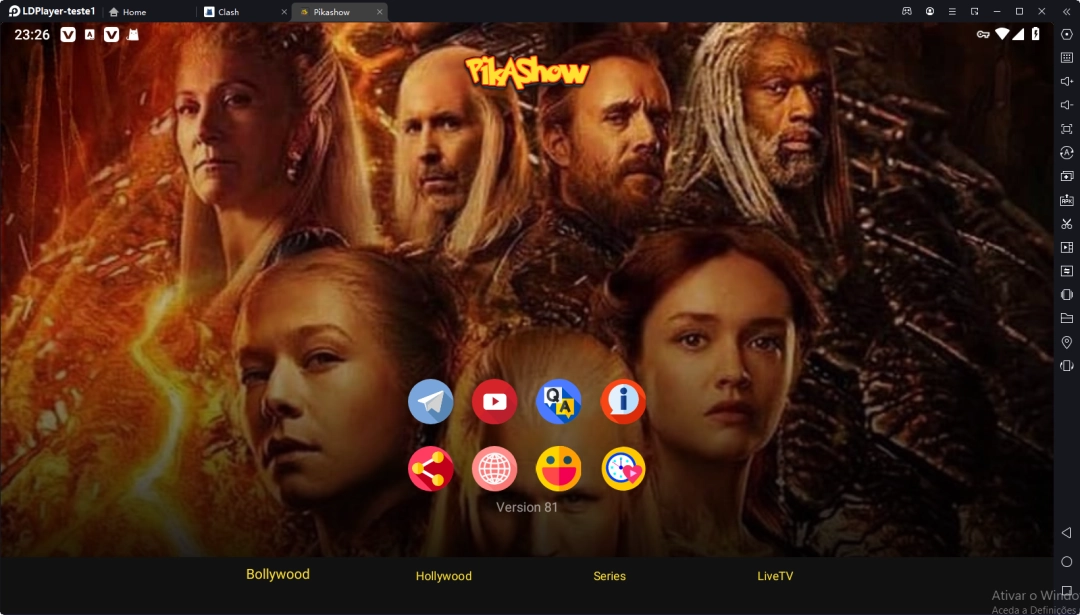
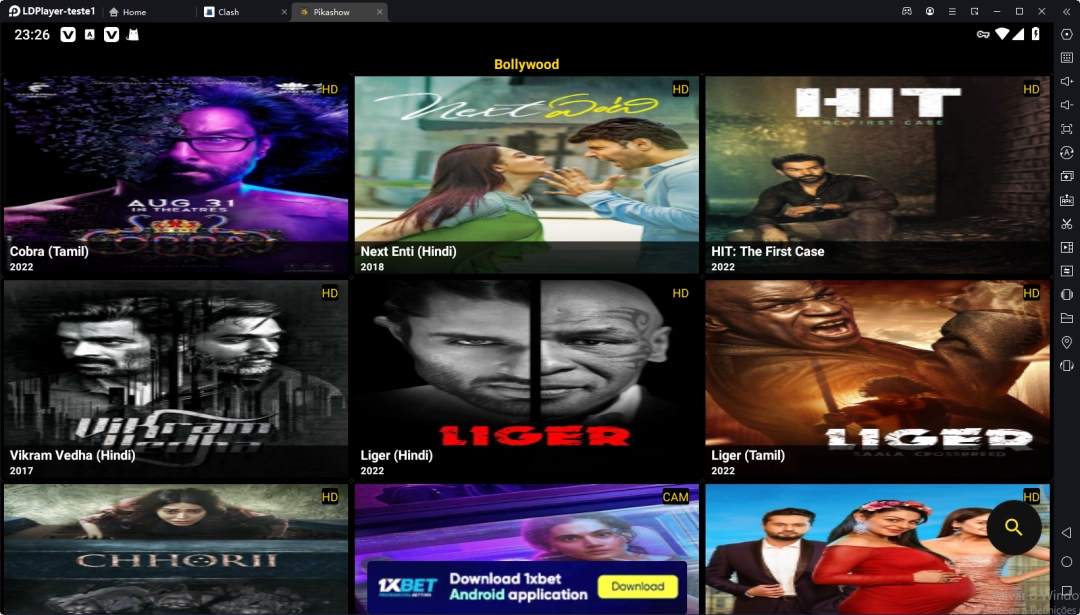
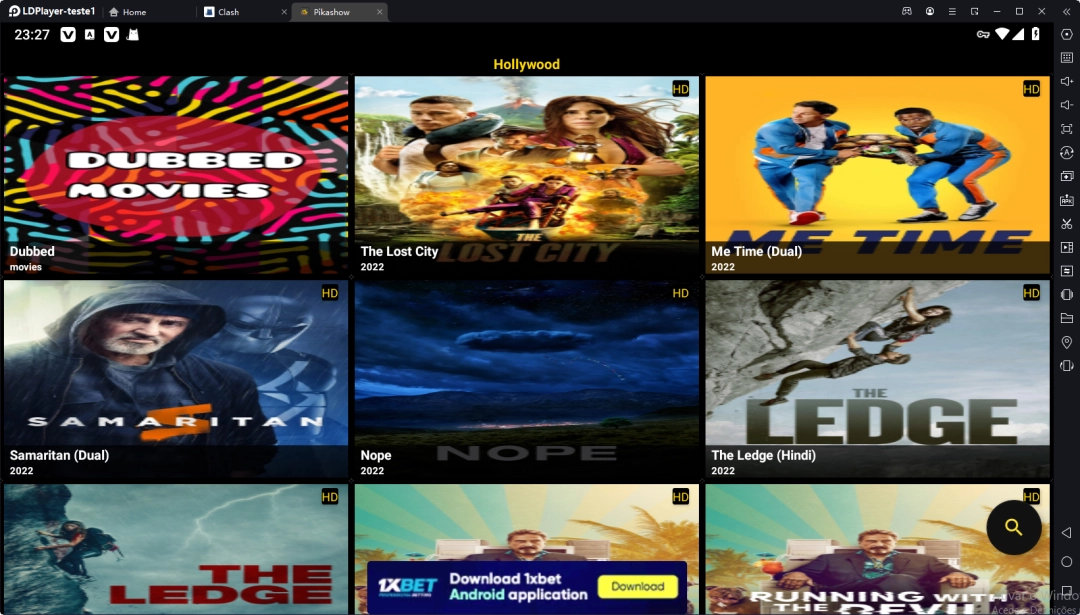
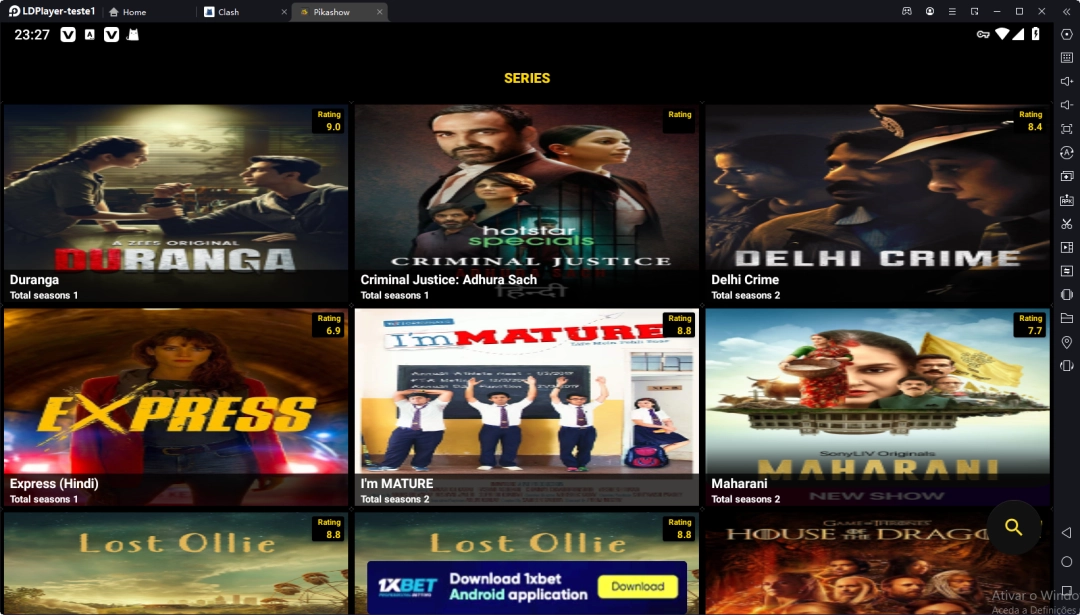
لقط الشاشة وفيديو من Pikashow على جهاز الكمبيوتر
كيف تنزيل وتشغيل Pikashow على جهاز الكمبيوتر
 1
1قم بتنزيل وتثبيت LDPlayer على جهاز الكمبيوتر الخاص بك
 2
2حدد موقع متجر بلاي في تطبيقات نظام LDPlayer، وقم بتشغيله، وقم بتسجيل الدخول إلى حساب الجوجل الخاص بك
 3
3أدخل "Pikashow" في شريط البحث وابحث عنها
 4
4اختر Pikashow من نتائج البحث وقم بتثبيتها
 5
5بمجرد اكتمال التنزيل والتثبيت، ارجع إلى شاشة LDPlayer الرئيسية
 6
6انقر على أيقونة اللعبة الموجودة على شاشة LDPlayer الرئيسية لبدء الاستمتاع باللعبة المثيرة


