

Capriccio هو تطبيق الموسيفى والصوت تم تطويره بواسطة Sal Balah ويمكن تشغيله على الأجهزة المحمولة، ولكن باستخدام أفضل محاكي اندرويد - LDPlayer، يمكنك تنزيل Capriccio وتشغيله على جهاز الكمبيوتر الخاص بك.
تشغيل Capriccio على جهاز الكمبيوتر، يمكنك التصفح بوضوح على شاشة كبيرة، كما أن التحكم في التطبيقات باستخدام الماوس ولوحة المفاتيح أسرع بكثير من لمس الشاشة، ولن داعي للقلق أبدًا بشأن قوة جهازك.
بفضل ميزات المثيلات المتعددة والمزامنة، يمكنك أيضًا تشغيل تطبيقات وحسابات متعددة على جهاز الكمبيوتر الخاص بك.
تعمل وظيفة نقل الملفات بين المحاكي والكمبيوتر على تسهيل مشاركة الصور ومقاطع الفيديو والملفات.
قم بتنزيل Capriccio وتشغيله على جهاز الكمبيوتر الآن واستمتع بالشاشة الكبيرة وجودة الصورة عالية الوضوح لإصدار الكمبيوتر الشخصي!
Capriccio is a powerful and customizable music player designed for seamless playback and a premium listening experience.Enjoy your music, your way — with Capriccio.
[Various Playback Features]
* Supports various formats: FLAC, APE, WV, MPC, WAV, M4A, MP3, OGG, AIFF, CAF, MID, OPUS, etc.
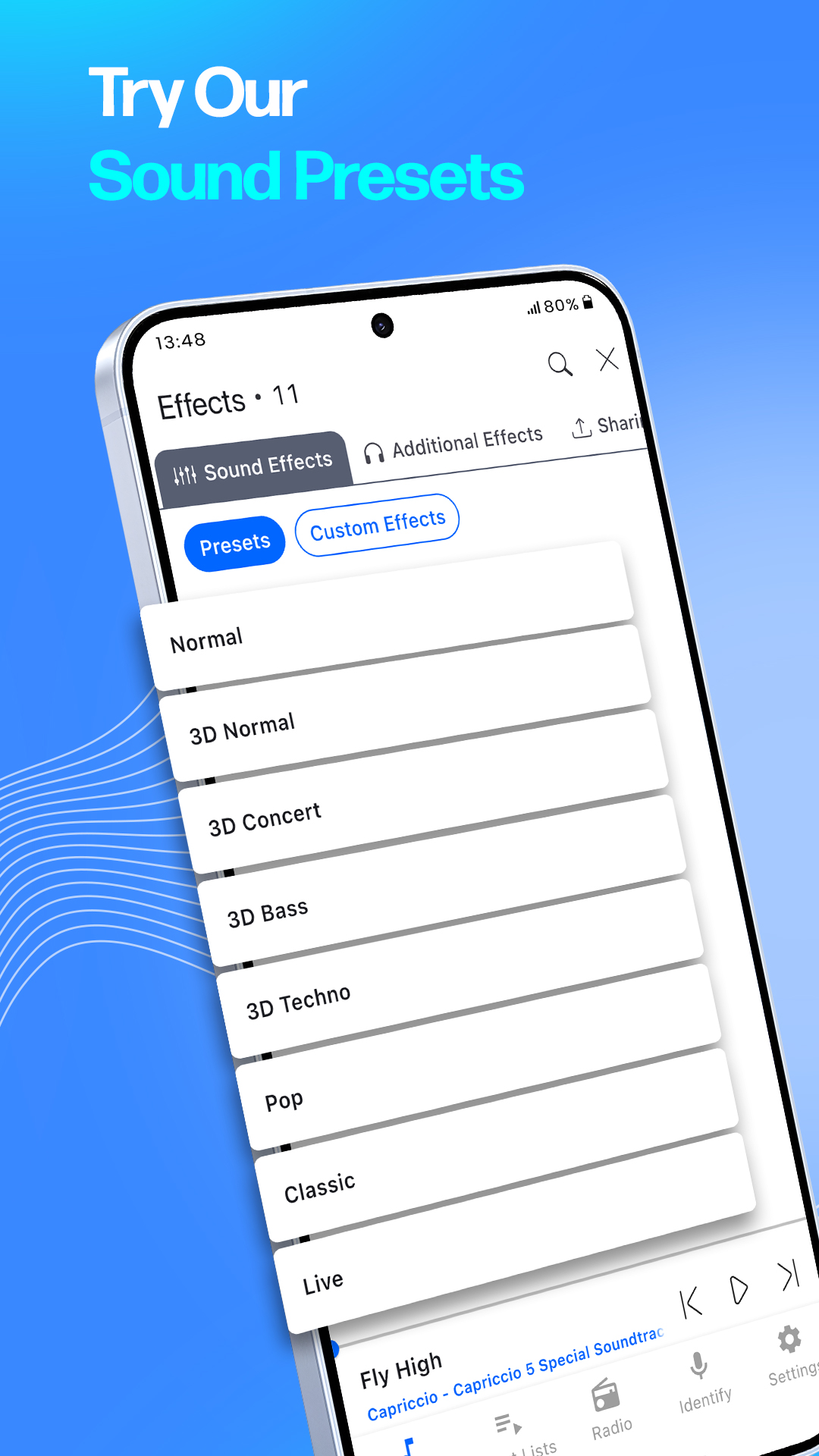
* Excellent 3D and normal sound effects
* Queue-based customizable sound effects
* Thousands of custom sound effects available via Effect Sharing
* View and control lyrics within the audio files
[Easy Music Management]
* Supports local storage files via folder browsing or media library
* Supports playing songs in internal music library
* Cloud storage support (Google Drive, Box, Dropbox, OneDrive)
* Supports FTP and WebDAV connections
[Flexible Media Explorer]
* Playlist creation and editing
* Folder creation, file copy, move, delete, and rename support
* Library management by albums, artists, genres, etc.
[Convenient Additional Features]
* Study mode features: A-B repeat, speed control, pitch control, etc.
* Supports remote control and lock screen control
* Sleep timer and screen lock prevention features