Power Apps هو تطبيق أعمال تم تطويره بواسطة Microsoft Corporation ويمكن تشغيله على الأجهزة المحمولة، ولكن باستخدام أفضل محاكي اندرويد - LDPlayer، يمكنك تنزيل Power Apps وتشغيله على جهاز الكمبيوتر الخاص بك.
تشغيل Power Apps على جهاز الكمبيوتر، يمكنك التصفح بوضوح على شاشة كبيرة، كما أن التحكم في التطبيقات باستخدام الماوس ولوحة المفاتيح أسرع بكثير من لمس الشاشة، ولن داعي للقلق أبدًا بشأن قوة جهازك.
بفضل ميزات المثيلات المتعددة والمزامنة، يمكنك أيضًا تشغيل تطبيقات وحسابات متعددة على جهاز الكمبيوتر الخاص بك.
تعمل وظيفة نقل الملفات بين المحاكي والكمبيوتر على تسهيل مشاركة الصور ومقاطع الفيديو والملفات.
قم بتنزيل Power Apps وتشغيله على جهاز الكمبيوتر الآن واستمتع بالشاشة الكبيرة وجودة الصورة عالية الوضوح لإصدار الكمبيوتر الشخصي!
Get Power Apps to conveniently access your work or school apps no matter where you are: at home, on the road, in the field, off-campus, at the airport, or at the beach – anywhere life takes you.WHAT’S INSIDE
The Power Apps app is the front door to the apps at your work or school. Which apps can you use? It depends on what’s been created for you. Here are some examples you might see, or ones you can make yourself using the Power Apps website:
• Campus app: Map your campus with icons for landmarks and facility details.
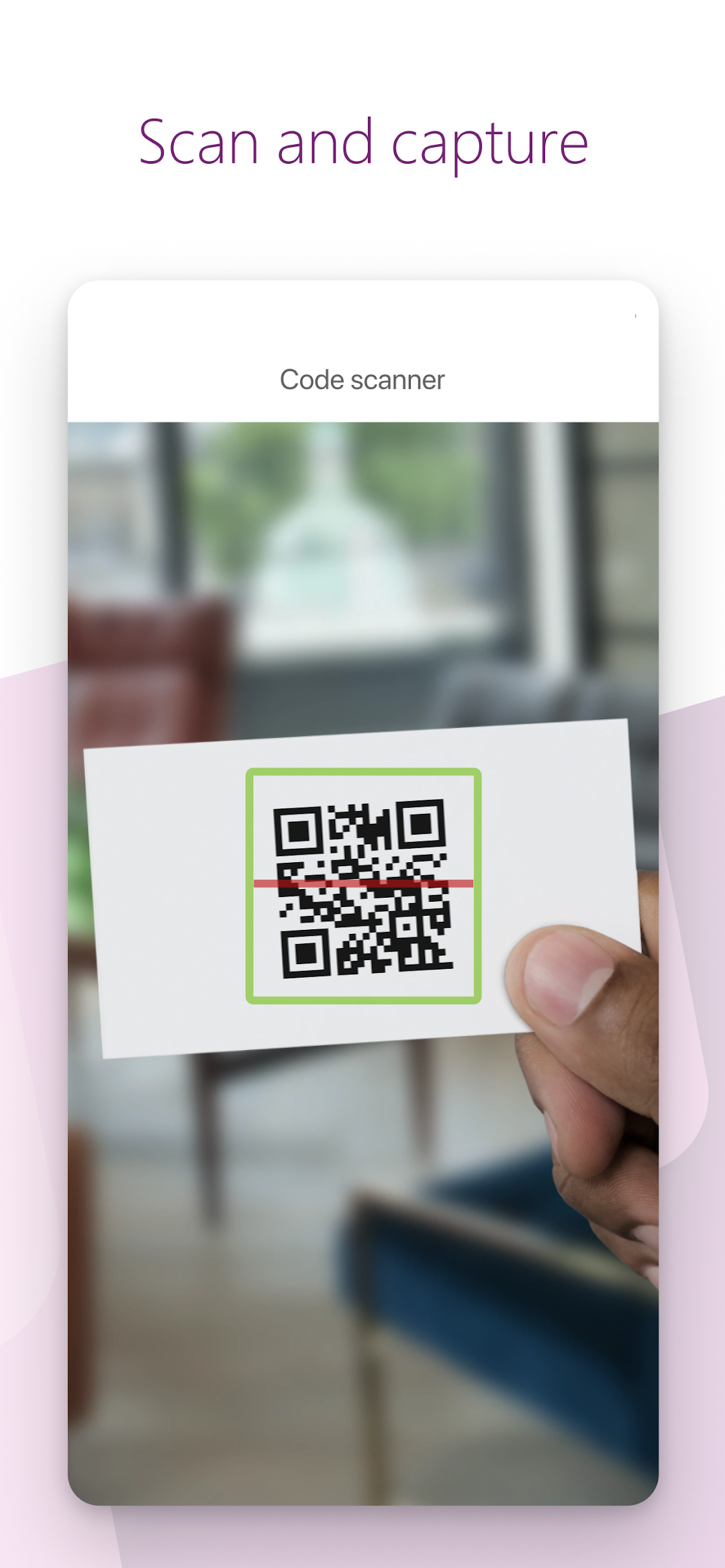
• Event registration app: Record attendees as they arrive using barcodes or QR codes.
• Expenses app: Let employees submit their expenses and upload photos of receipts.
• Health clinic app: Let patients check in to appointments with just a few taps.
• NFC reader app: Scan NFC tags on ID cards, equipment, packages, etc.
• Performance app: Visualize data and get insights with interactive dashboards.
• Sales app: See opportunities and leads, review comments, and approve for your P&L.
• Space planning app: Take 3D measurements and manipulate objects in mixed reality.
• Timesheet app: Collect, consolidate, and analyze shift data from employees.
This is just a handful of examples; the possibilities are endless. Build and share low-code apps for your work or school at the Power Apps website.
TIPS
• Swipe right to make an app a favorite, swipe left to add a shortcut to the home screen.
• As an admin, mark an app as Featured, so that it stays pinned to the top of the apps list.
• Some apps can work offline, and Power Apps will sync your data when you reconnect.
Accessibility: https://go.microsoft.com/fwlink/?linkid=2121429