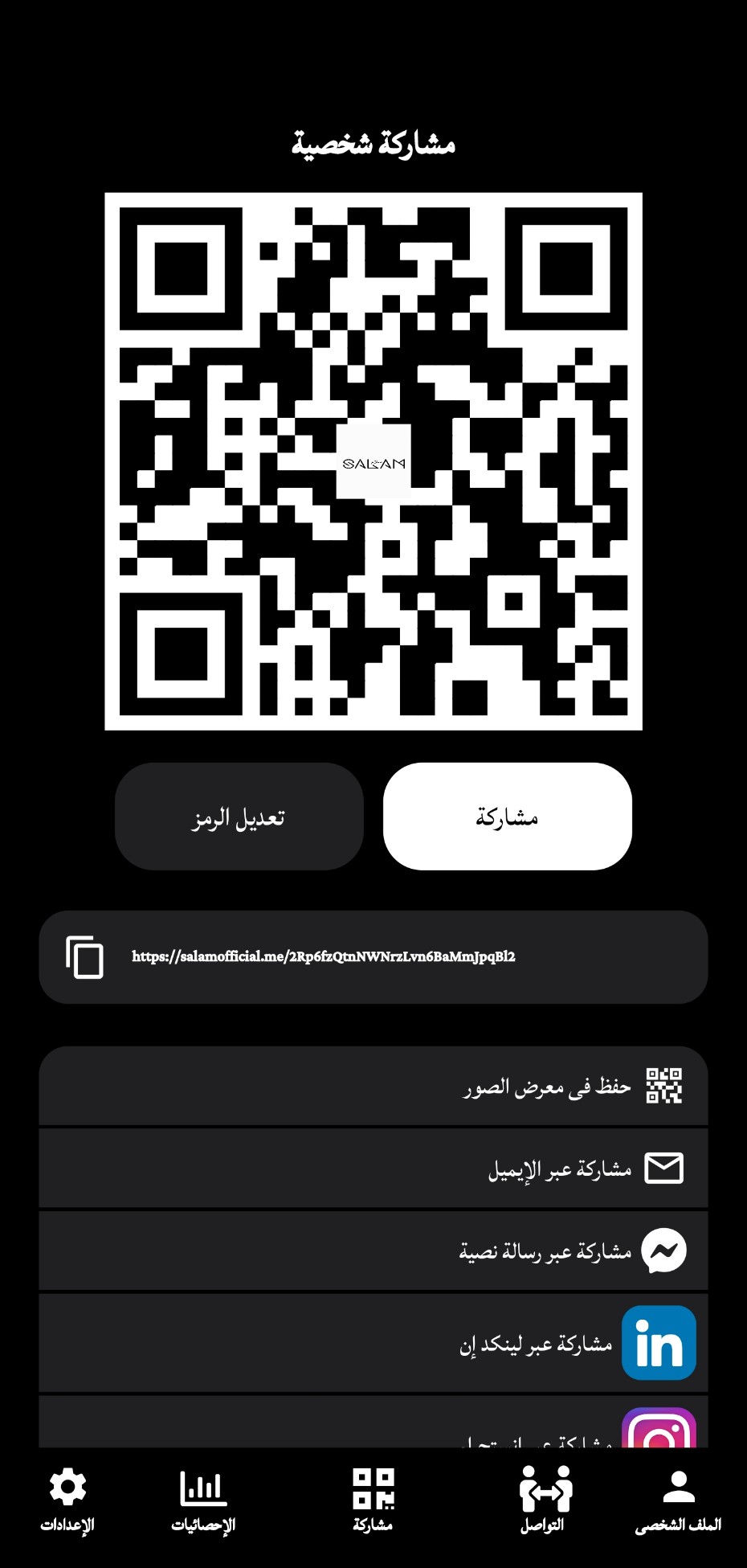
Salam هو تطبيق أعمال تم تطويره بواسطة Salam Official FZE ويمكن تشغيله على الأجهزة المحمولة، ولكن باستخدام أفضل محاكي اندرويد - LDPlayer، يمكنك تنزيل Salam وتشغيله على جهاز الكمبيوتر الخاص بك.
تشغيل Salam على جهاز الكمبيوتر، يمكنك التصفح بوضوح على شاشة كبيرة، كما أن التحكم في التطبيقات باستخدام الماوس ولوحة المفاتيح أسرع بكثير من لمس الشاشة، ولن داعي للقلق أبدًا بشأن قوة جهازك.
بفضل ميزات المثيلات المتعددة والمزامنة، يمكنك أيضًا تشغيل تطبيقات وحسابات متعددة على جهاز الكمبيوتر الخاص بك.
تعمل وظيفة نقل الملفات بين المحاكي والكمبيوتر على تسهيل مشاركة الصور ومقاطع الفيديو والملفات.
قم بتنزيل Salam وتشغيله على جهاز الكمبيوتر الآن واستمتع بالشاشة الكبيرة وجودة الصورة عالية الوضوح لإصدار الكمبيوتر الشخصي!
This innovative device of Salam uses technology to allow you to connect with others in a snap. Simply touch your salam wristband to the smartphone front if you to instantly share your contact information and connect on social media.But that's not all – the Salam wristband also comes with a powerful salam app that lets you manage your contacts, share your social media profiles, and even customize your wristband's settings. With the Salam app, you can easily keep track of your connections and always stay connected, no matter where you are.
Whether you're a busy professional who wants to network more effectively, a social butterfly who loves making new friends, or someone who simply values convenience and ease of use, the Salam wristband is the perfect solution for you.
Don't miss out on this game-changing technology – order your Salam wristband today and join the millions of people who are already enjoying the benefits of effortless connectivity!