Word Tangle هو تطبيق كلمات تم تطويره بواسطة Unico Studio ويمكن تشغيله على الأجهزة المحمولة، ولكن باستخدام أفضل محاكي اندرويد - LDPlayer، يمكنك تنزيل Word Tangle وتشغيله على جهاز الكمبيوتر الخاص بك.
تشغيل Word Tangle على جهاز الكمبيوتر، يمكنك التصفح بوضوح على شاشة كبيرة، كما أن التحكم في التطبيقات باستخدام الماوس ولوحة المفاتيح أسرع بكثير من لمس الشاشة، ولن داعي للقلق أبدًا بشأن قوة جهازك.
بفضل ميزات المثيلات المتعددة والمزامنة، يمكنك أيضًا تشغيل تطبيقات وحسابات متعددة على جهاز الكمبيوتر الخاص بك.
تعمل وظيفة نقل الملفات بين المحاكي والكمبيوتر على تسهيل مشاركة الصور ومقاطع الفيديو والملفات.
قم بتنزيل Word Tangle وتشغيله على جهاز الكمبيوتر الآن واستمتع بالشاشة الكبيرة وجودة الصورة عالية الوضوح لإصدار الكمبيوتر الشخصي!
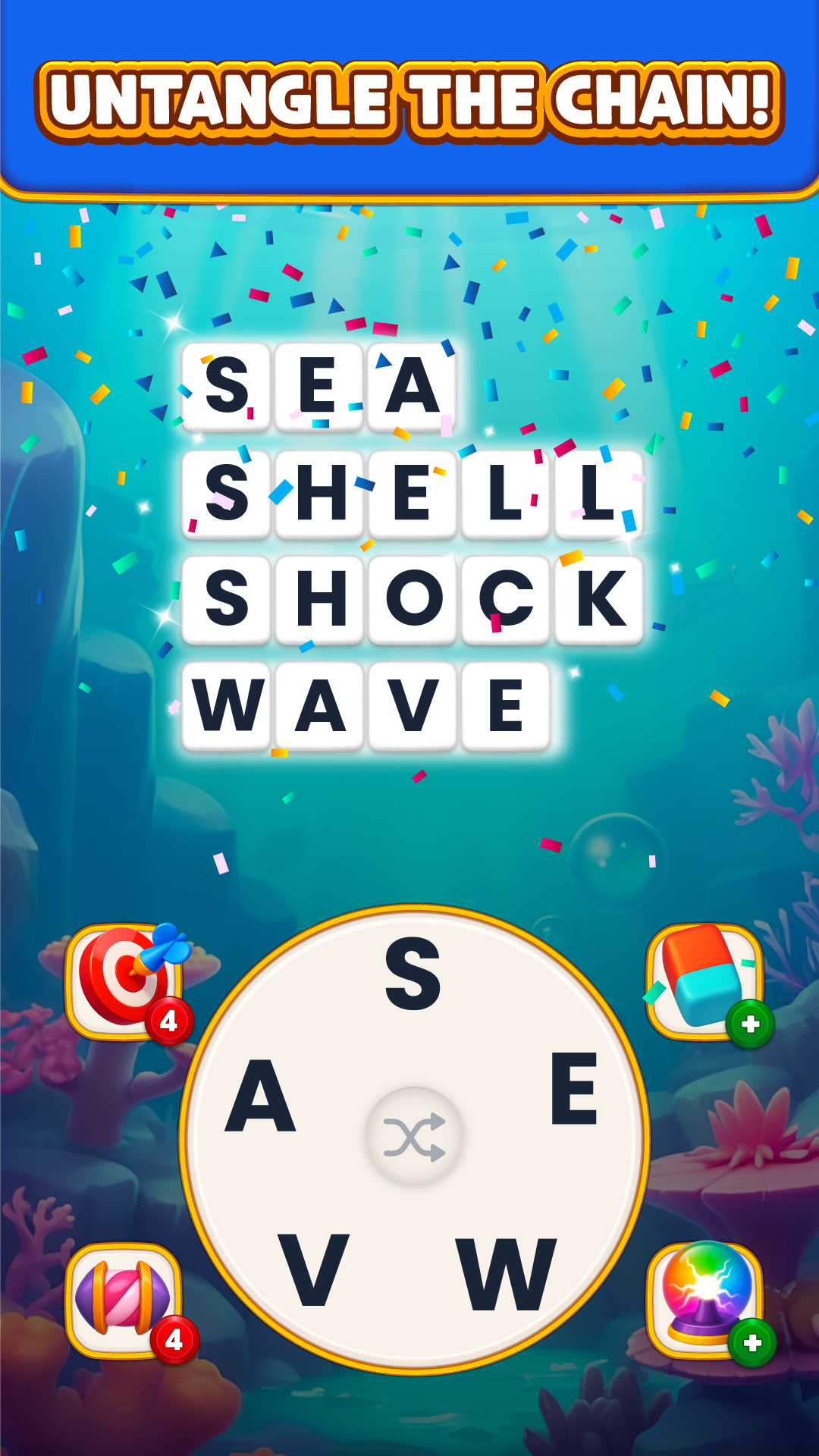
🧠 Link Words, Tap Plates, Master the Chain! 🧠Ready to dive into a fresh word puzzle experience? Word Tangle : Chain Words brings a whole new twist to brain games! Instead of typing, you’ll tap from a series of word plates to build chains of compound words and complete famous phrases. It's fast, fun, and deeply satisfying!
🔸 How to Play
✔️ Start with the first word.
✔️ Swipe the letters to write the next word correctly. The next word should be related to the previous one.
🔹 You can form compound words (e.g., “Rain” → “Bow”)
🔹 You can form phrases (e.g., “Hot” → “Dog”)
✔️ Keep writing the right word plates to continue the chain!
🌟 Why You’ll Love Word Tangle: Chain Words 🌟
✅ No Typing Needed – Form the words by picking the letters.
✅ Brain-Boosting Fun – Train your logic, memory, and vocabulary all at once.
✅ Clever Wordplay – Think beyond the obvious to solve tricky chains.
✅ Stunning Design – Smooth animations, relaxing colors, and clean interface.
✅ Smart Booster System – Use tools like Pencil, Eraser, Bulb & Letter to solve puzzles.
🆕 And Even More Reasons to Play!
✅ Play Offline – Enjoy the game anytime, anywhere—no internet needed.
✅ Completely Free – No paywall to progress. Just fun, from start to finish!
✅ One-Hand Gameplay – Easy to play on the go, with one hand.
✅ Quick Sessions – Perfect for short breaks or longer play sessions.
✅ Relaxing & Addictive – A satisfying blend of calm and challenge.
✅ For All Ages – Great for kids, adults, and anyone who loves words!
✅ Unique Gameplay – Stand out from other offline word games with fun and engaging challenges.
✅ Daily Rewards – Enjoy free daily bonuses to help boost your progress.
✅ Improve Your Vocabulary – Expand your word knowledge with each level you complete.
🎯 Perfect For:
🔹 Word game lovers who enjoy fresh mechanics
🔹 Puzzle solvers who like logical connections
🔹 Players who prefer tapping over typing
🔹 Fans of compound words, phrases, and clever twists
📲 Download Word Tangle: Chain Words and start chaining your way to victory—one tap at a time!